Slugify File and Folder Names - A Simple Raycast Extension for Clean Filenames
January 16, 2025
Have you ever downloaded a file with a name like Çılgın %50 İndirim! (Şimdi Başla).pdf and wanted to clean it up? Or maybe you have files with spaces, special characters, or accented letters that cause issues when sharing or uploading them? Filenames with special characters can be problematic—they don't work well in URLs, can cause issues with some systems, and just look messy.
While you could manually rename each file, that gets tedious fast. And if you're working with files from different languages or sources, you might encounter characters you're not even sure how to handle. That's where Slugify File and Folder Names comes in.
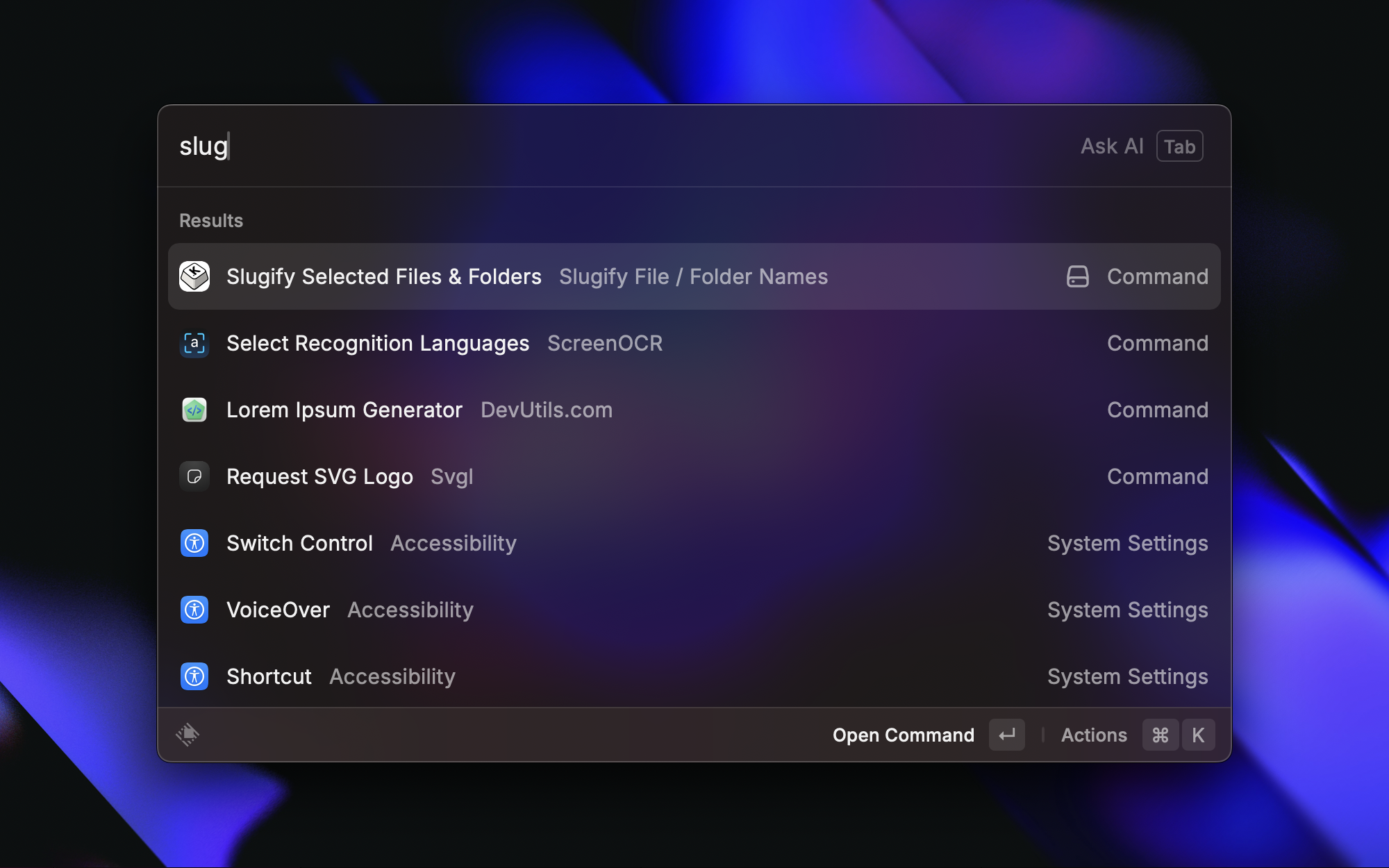
Slugify File and Folder Names is a focused Raycast extension that does one thing exceptionally well: it converts filenames to clean, URL-friendly slugs. Select your files in Finder, run the command, and your files are instantly renamed with lowercase letters, hyphens instead of spaces, and all special characters properly handled. It's simple, fast, and handles international characters from multiple languages.
Why This Extension Exists
I built this extension because I was constantly dealing with files that had messy names. Whether it was downloaded files with special characters, photos with accented letters, or documents with spaces and punctuation, I wanted a quick way to clean them up. I didn't need the complexity of regex patterns or job management—I just wanted to select files and make their names clean and consistent.
The extension solves this with a single-purpose approach: it takes whatever you select in Finder and converts it to a slug format. No configuration needed, no complex setup, just select and run. It handles all the edge cases—international characters, special symbols, multiple spaces, and more—so you don't have to think about it.
Key Features
International Character Support - Handles accented and special characters from multiple languages. Whether your files have French accents, Turkish characters, or German umlauts, they're all converted to their ASCII equivalents.
Batch Processing - Rename multiple files and folders at once. Select as many files as you need in Finder, and the extension processes them all in a single operation.
Extension Preservation - Keeps file extensions intact. Your .pdf stays .pdf, your .jpg stays .jpg—only the filename part gets slugified.
Conflict Resolution - Automatically handles filename conflicts. If renaming would create duplicate names, the extension appends numbers (-1, -2, etc.) to avoid overwrites.
Rename Log - Copies a summary of renamed items to clipboard. After processing, you get a log showing what was changed, formatted as original-name → new-name, which you can paste anywhere you need.
How It Works
The extension uses a comprehensive character mapping system to handle international characters and special symbols. Here's how different characters are transformed:
International Characters
The extension handles a wide range of accented characters:
- á à â ä æ ã å ā → a
- é è ê ë ē ė ę → e
- í ì î ï ī į ı İ → i
- ó ò ô ö œ õ ø ō → o
- ú ù û ü ū → u
- ç → c
- ğ → g
- ş → s
- ñ → n
- ß → ss
- ý → y
- ž → z
Special Character Rules
The extension also handles various special characters and symbols:
- Spaces and separators (
/,\,_) →-(hyphen) - Punctuation (
,,.,!,?,:,;) → removed - Symbols (
@,#,$,%,^,&,*,+,=,~) → removed - Quotes (
",',) → removed - Parentheses and brackets → removed
- Multiple hyphens → single hyphen
- Leading/trailing hyphens → removed
The result is a clean, lowercase filename with only letters, numbers, and hyphens—perfect for URLs, file sharing, and general organization.
Usage
Using the extension couldn't be simpler:
- Select Files/Folders: In Finder, select one or more files or folders you want to rename
- Run Command: Open Raycast and type "Slugify Selected Files & Folders" or use the configured shortcut
- View Results: The extension will:
- Show progress toast during processing
- Display success/failure summary
- Copy rename log to clipboard (format:
original-name → new-name)
That's it. No configuration, no setup, just select and run. The extension handles everything automatically.
Examples
Here are some real-world examples of how filenames are transformed:
| Original Name | Slugified Name |
| ----------------------------------- | ------------------------------- |
| Çılgın %50 İndirim! (Şimdi Başla) | cilgin-50-indirim-simdi-basla |
| café résumé.pdf | cafe-resume.pdf |
| My File (copy).txt | my-file-copy.txt |
| naïve piñata.docx | naive-pinata.docx |
| Hello World! | hello-world |
| Document_v2.1_FINAL.pdf | document-v2-1-final.pdf |
| Photo@2024#Summer.jpg | photo-2024-summer.jpg |
As you can see, the extension handles a wide variety of cases:
- International characters are converted to their ASCII equivalents
- Special characters and symbols are removed
- Spaces and underscores become hyphens
- Multiple consecutive hyphens are collapsed into one
- File extensions are preserved
- Everything is converted to lowercase
Error Handling
The extension includes robust error handling to make your experience smooth:
No Selection - Shows a clear error if no files/folders are selected in Finder. This prevents confusion when the command doesn't seem to work.
Permission Issues - Displays specific error messages for access problems. If you don't have permission to rename a file, you'll know exactly why.
Naming Conflicts - Automatically appends numbers (-1, -2, etc.) to avoid overwrites. If renaming would create duplicate names, the extension handles it gracefully.
Already Slugified - Skips files that are already in slug format. If a file is already clean, the extension recognizes it and moves on, saving you time.
When to Use This Extension
This extension is perfect for:
- Cleaning up downloaded files - Remove special characters and spaces from files downloaded from the web
- Preparing files for upload - Ensure filenames work well in URLs and web systems
- Organizing photo collections - Standardize photo filenames from different devices or sources
- Batch file cleanup - Quickly clean up entire folders of files with inconsistent naming
- International file handling - Convert filenames with accented characters to ASCII equivalents
It's particularly useful when you need to process many files quickly without the complexity of regex patterns or job management. If you just want clean, consistent filenames, this extension delivers.
Get It Now
Ready to clean up your filenames? Download Slugify File and Folder Names from:
Once installed, try it on a few files to see how it works. You'll find that having a quick way to slugify filenames makes file organization much easier, especially when dealing with files from different sources or languages.
The extension is designed to be simple and fast—select your files, run the command, and you're done. No configuration needed, no learning curve, just clean filenames in seconds.