Using Obsidian as Long-Term Memory for Claude, Codex and Cursor
October 28, 2026
AI coding agents are good at the task in front of them and bad at remembering anything else. Every new session starts cold: no memory of last week's decision, why the deploy script looks odd, or the gotcha that cost an hour.
I already keep that kind of knowledge in Obsidian. So instead of inventing a new memory system, I taught my agents to use the vault I already have, and I set it up so they follow my structure rather than making their own.
Here is the setup, step by step.
The goals
- One vault, one structure, shared by Claude Code, Codex and Cursor.
- The agent starts every session knowing what the project is.
- The agent writes notes as work happens, in the right place, in my format.
- Nothing sensitive ends up in a note, and the agents only see the part of my notes I want them to see.
Step 1: mirror the folder structure
My repos live under ~/Work. The vault mirrors that tree under Projects/:
~/Work/Other/Posta                  ->  Projects/Other/Posta/
~/Work/Personal/tarik.kavaz.org -> Projects/Personal/tarik.kavaz.org/A repo outside ~/Work (dotfiles, the vault itself) goes under
System/<repo folder name>/.
The mapping is a rule, not a lookup table. An agent can compute the note location from the repo path alone, and so can a shell script.
Inside each project folder the shape is always the same:
Overview.md     what it is, repo path, stack, status, and an index of notes
Decisions/      one note per decision: context, choice, why
Log/            short dated session notes: YYYY-MM-DD <topic>.md
Handoffs/ "pick this up next session" notes, with an open/done statusReusable knowledge that is not tied to one project (gotchas, commands, setup
recipes) goes into topic folders such as Dev/Recipes/. The project's
Overview links to it with a wikilink.
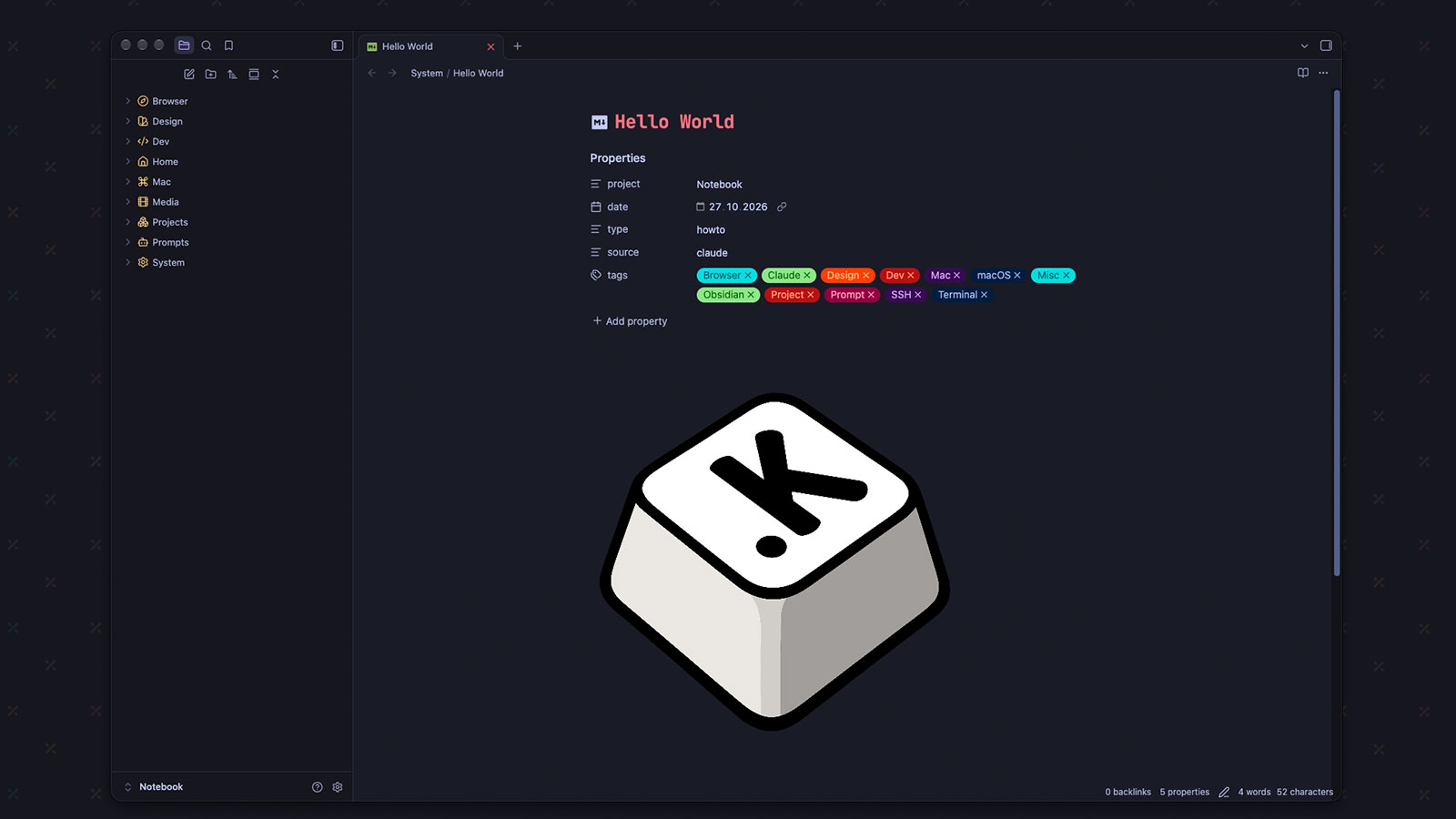
Every note written by an agent carries the same frontmatter:
---
project: tarik.kavaz.org
date: 2026-10-28
type: decision # decision | log | howto | handoff
source: claude
---The source field matters. In a vault I also edit by hand, I want to tell at a
glance which notes an agent wrote.
Step 2: write the rules once
The rules live in one Markdown file in my dotfiles repo. It covers:
- Where the vault is, and that writing project notes there is pre-approved.
- The path mapping above.
- The note types and the frontmatter.
- When to write: when a piece of work is done or a decision is made, not only at the end of the session.
- Not to duplicate what the repo already records (README, code, git history). Notes capture the reasoning around it.
- Keep the index in each Overview current: a wikilink plus a one-line summary per note, so notes can be picked without opening them.
A trimmed generic version of the rules file looks like this:
## Project notes (Obsidian)

- The vault is `~/Vault`. Writing project notes there is pre-approved. Never
  read or write any other vault.
- A repo under `~/Code` maps to `Projects/<path relative to ~/Code>/`. Any
  other repo maps to `System/<repo folder name>/`.
- Each project folder holds `Overview.md`, `Decisions/`, `Log/` and
  `Handoffs/`. Log notes are named `YYYY-MM-DD <topic>.md`.
- Every note you write has frontmatter: `project`, `date`, `type`
  (`decision`, `log`, `howto` or `handoff`) and `source: agent`.
- Write a note when a piece of work is done or a decision is made, not only at
  the end of the session. Then update the Overview index in the same pass.
- Do not duplicate what the repo already records. Note the reasoning around it.
- Never put secrets, tokens, passwords, API keys or server IPs in a note.
- Before committing in the vault, run `git status` and stage only the files you
wrote. Never use `git add -A`.Each agent reads the same source:
- Claude Code reads
~/.claude/CLAUDE.md, which is a symlink into my dotfiles. - Codex reads
~/.codex/AGENTS.md, also a symlink into the dotfiles, and it points to a sharedobsidian-vault-rules.mdwith the details. - Cursor takes the same text as a user rule. I keep a copy next to the others in the dotfiles so the three never drift apart.
Because the files are symlinks into a git repo, changing a rule is one edit, and it applies to every agent.
Step 3: inject context at session start
Rules tell the agent how to write notes. The next problem is reading them. I do not want the agent to crawl the vault, which wastes tokens and pulls in unrelated notes.
A small SessionStart hook solves it. Claude Code runs it when a session
begins and adds its output to the context. The script:
- Reads the working directory from the hook payload.
- Finds the git root of the repo.
- Maps it to the vault path using the rule from step 1.
- Prints
Overview.md(the first 120 lines) and lists any open handoffs.
Here is a minimal generic version. Change VAULT and CODE_ROOT to your own
paths and save it as ~/.claude/hooks/vault-context.sh:
#!/usr/bin/env bash
# Print the vault Overview for the current repo at session start.
# Read-only: never creates or edits anything.
set -uo pipefail
command -v jq >/dev/null 2>&1 || exit 0

VAULT="$HOME/Vault"
CODE_ROOT="$HOME/Code"

payload="$(cat)"
cwd="$(jq -r '.cwd // empty' <<<"$payload")"
[ -n "$cwd" ] || cwd="$PWD"

root="$(git -C "$cwd" rev-parse --show-toplevel 2>/dev/null)" || exit 0
[ "$root" = "$VAULT" ] && exit 0
name="$(basename "$root")"

case "$root" in
  "$CODE_ROOT/"*) rel="Projects/${root#"$CODE_ROOT/"}" ;;
  *) rel="System/$name" ;;
esac

overview="$VAULT/$rel/Overview.md"
if [ -f "$overview" ]; then
  printf 'Vault project notes for "%s": %s\n' "$name" "$overview"
  printf 'Read the Overview before implementing a feature. Open Decisions/ or Log/ notes only when the task touches that topic.\n'
  printf -- '--- Overview.md ---\n'
  head -n 120 "$overview"

  # Open handoffs: frontmatter contains "status: open".
  open_list=""
  for f in "$VAULT/$rel"/Handoffs/*.md; do
    [ -f "$f" ] || continue
    head -n 12 "$f" | grep -qE '^status:[[:space:]]*open[[:space:]]*$' \
      && open_list="${open_list}- $(basename "$f" .md)"$'\n'
  done
  [ -n "$open_list" ] && printf -- '--- Open handoffs (read the newest first) ---\n%s' "$open_list"
else
  printf 'No vault project found for "%s" (expected %s).\n' "$name" "$overview"
  printf 'When real work starts, create %s/ with Overview.md, Decisions/ and Log/. Skip this for a one-off question.\n' "$VAULT/$rel"
fiMake it executable with chmod +x, then register it in
~/.claude/settings.json:
{
  "hooks": {
    "SessionStart": [
      {
        "matcher": "^(startup|resume|clear|compact)$",
        "hooks": [
          {
            "type": "command",
            "command": "~/.claude/hooks/vault-context.sh",
            "timeout": 10
          }
        ]
      }
    ]
  }
}The matcher also re-injects the Overview after /clear and after context
compaction, which is when an agent is most likely to have forgotten it.
If the project has no folder in the vault yet, the script prints an
instruction to create one with Overview.md, Decisions/ and Log/ once real
work starts. Brand new projects bootstrap themselves.
The hook is read-only. It never creates or edits anything, and it only reads one file per project. The Overview's index is what lets the agent decide whether a Decision or Log note is relevant to the task, so it opens those on demand instead of loading everything.
Codex and Cursor have no equivalent hook for me, so their rules say: before implementing a feature, run the same script from the repo and read its output. It is the same script, called by hand instead of by an event.
Step 4: phrase shortcuts
Two phrases trigger standard behavior:
- "Note this" or "add this to the vault": the agent writes what was just discussed into the current project, like minutes from a meeting. A decision or a project rule becomes a Decision note. Anything else becomes a Log note for today, appended to an existing one on the same topic. Guesses are marked "unverified". It replies with the path in one line.
- "Save a handoff": the agent writes
Handoffs/YYYY-MM-DD Handoff <title>.mdwith Goal, Current state, Done, Next steps, Open questions, Files touched and How to resume. The hook lists open handoffs at the next session start, and the agent reads the newest one before continuing. "Close the handoff" flips its status todone.
The handoff note changed how I work most. I can stop mid-task, in any of the three tools, and the next session in any of them picks up where I left off.
Step 5: wrap repeatable jobs in a skill
Some jobs are worth a named command. Creating the vault project for a new repo is one: the steps are always the same, and I want them done the same way in every tool.
A skill is a folder with a SKILL.md. Claude Code reads it from
~/.claude/skills/<name>/, and Codex and Cursor have their own skills
folders that take the same format. I keep one copy in my dotfiles and link it
into each. A generic example:
---
name: vault-init
disable-model-invocation: true
description: Create the vault project for the current repo (Overview.md plus an init log). Use when the user runs vault-init or asks to set up a vault project for this repo.
---

# vault-init

Create the vault project for the repo in the current directory.

## Steps

1. Run `git rev-parse --show-toplevel`. Stop if this is not a git repo.
2. Map the repo path to the vault path with the rules in the project notes
   section. If that folder already exists, report what is there and stop.
   Never overwrite or move anything.
3. Read, without running anything: `README.md`, `CLAUDE.md` or `AGENTS.md`, the
   package manifest, the top-level listing and `git log --oneline -20`. Never
   copy secrets into a note.
4. Write `Overview.md` using only facts from step 3. Mark anything unclear
   "unverified" instead of guessing.
5. Create empty `Decisions/` and `Log/` folders and write one Log note for
   today named `YYYY-MM-DD Project initialised.md`.
6. Reply with the new path in one line.disable-model-invocation: true keeps the agent from running it on its own, so
it only runs when I type the command. The description is what the agent uses
to match the skill, so write it as a trigger: what it does and when to use it.
The same pattern fits other chores, such as backfilling logs from git history or turning a finished session into a handoff.
Keeping it private
This is the part that made me comfortable giving agents write access.
Scope. The agents work in one vault, Notebook. I have a second vault for
personal scratch notes. The rules say never to read or write it unless I ask.
An agent can only leak what it can see, so the first defense is the boundary.
No secrets in notes. Tokens, passwords, API keys, recovery codes, personal ID numbers and server IP addresses never go into a note. They live in my password manager. The rule sits in the shared file, so all three agents see it.
No duplication. Notes do not copy what the repo already records. That keeps them short, and it keeps private code and config out of a second location.
Pre-approved only here. Writing in the vault is allowed without asking, but the global rules still require approval for creating files anywhere else. The exception is narrow on purpose.
A git repo with a private remote. The vault is a git repository, so every
agent edit is a diff I can review, revert or blame. Before committing, the agent
runs git status and stages only the files it wrote, because I edit the vault
too and a blanket git add -A would sweep up my half-finished notes.
A structure I own. The agent does not decide where notes go. The path, filenames, frontmatter and sections are all fixed by the rules. If an agent misbehaves, the result is a misplaced note I can see, not a reorganized vault.
What it feels like
I open a repo, start a session, and the agent already knows the stack, the status and the last few decisions. When we finish something, a Log note and a refreshed Overview appear in the vault without me asking. When I come back to a project after a month, the notes explain why things are the way they are, which the code and the git history do not.
It also pays off in the other direction. Obsidian becomes more than a place I write in. Its graph and backlinks now cover the work the agents do, and I can search the same notes from the editor, from the terminal and from any of the three tools.
Take this setup
The fastest way is to let your agent do it. I wrote a setup prompt that asks for your vault path, code folder and agents, shows a plan, and only then creates the rules, hook and skill:
Download obsidian-agent-setup.md
Put the file in a repo or hand it to your agent and say "read this file and follow it". It never overwrites existing files, and it waits for your approval before it changes anything.
If you prefer to do it by hand, the minimum is small:
- Pick a path rule that maps repo to note folder.
- Write the rules in one file and symlink it to each agent's config.
- Add a read-only hook that prints the project's Overview at session start.
- Add a hard rule about secrets, and a hard boundary on which vault the agents may touch.
Everything else, including handoffs and shortcuts, can be added later.