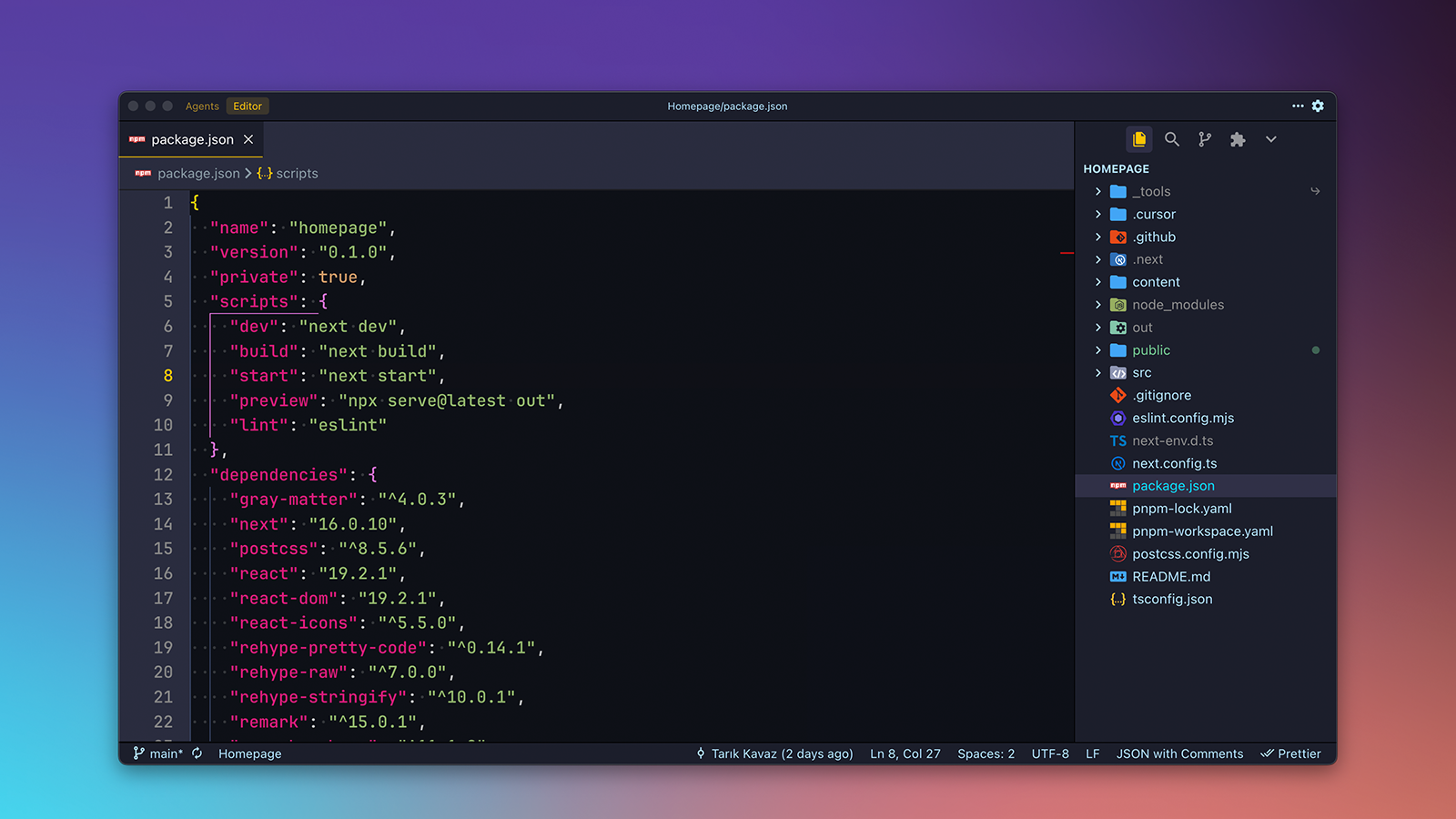
.K Material - VSCode / Cursor Theme
December 15, 2025
As developers, we spend countless hours staring at code editors. The right color scheme can make a significant difference in reducing eye strain, improving focus, and making code more readable. After trying numerous themes, I found myself wanting something that combined the best aspects of material design with a dark, comfortable color palette—so I created .K Material.
.K Material is a VSCode / Cursor theme that provides a modern, comfortable coding experience with carefully crafted colors and syntax highlighting. It's designed to be easy on the eyes during long coding sessions while maintaining excellent contrast and readability.
A Theme Built for Developers
When I set out to create this theme, I had a few goals in mind. First, it needed to be comfortable for extended use—no harsh colors or excessive brightness. Second, it should follow material design principles for a cohesive, modern look. Finally, it needed to work well across different file types, from code to markdown to configuration files.
The result is a theme that feels familiar yet fresh, with a carefully balanced color palette that highlights syntax without overwhelming the code itself. Whether you're working on frontend JavaScript, backend Python, or system configuration files, .K Material provides consistent, readable highlighting.
See It in Action
Here's how .K Material looks across different parts of VS Code:
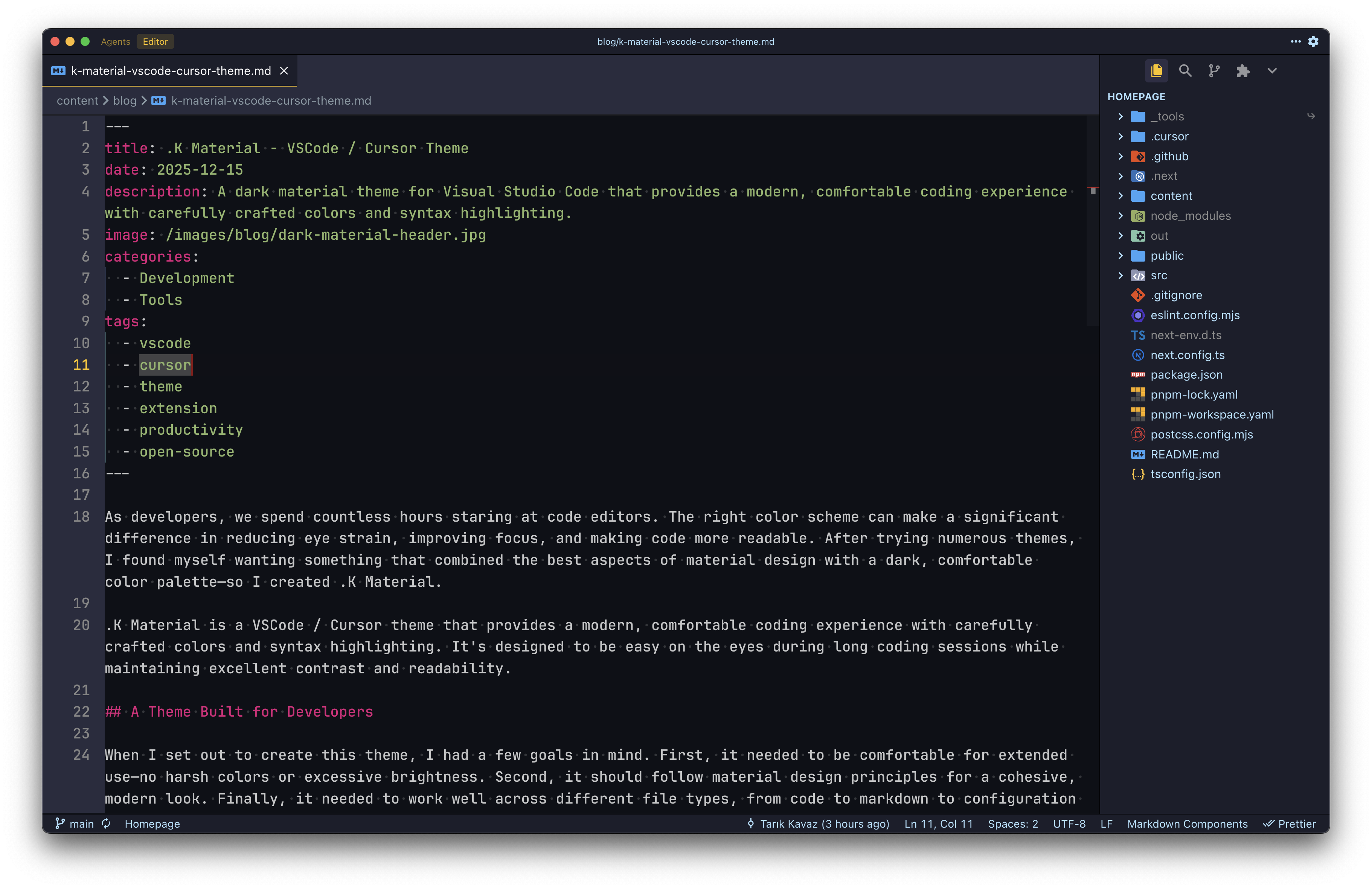
The editor view shows how the theme handles code syntax. Notice how different language constructs are clearly distinguished while maintaining a cohesive color scheme.
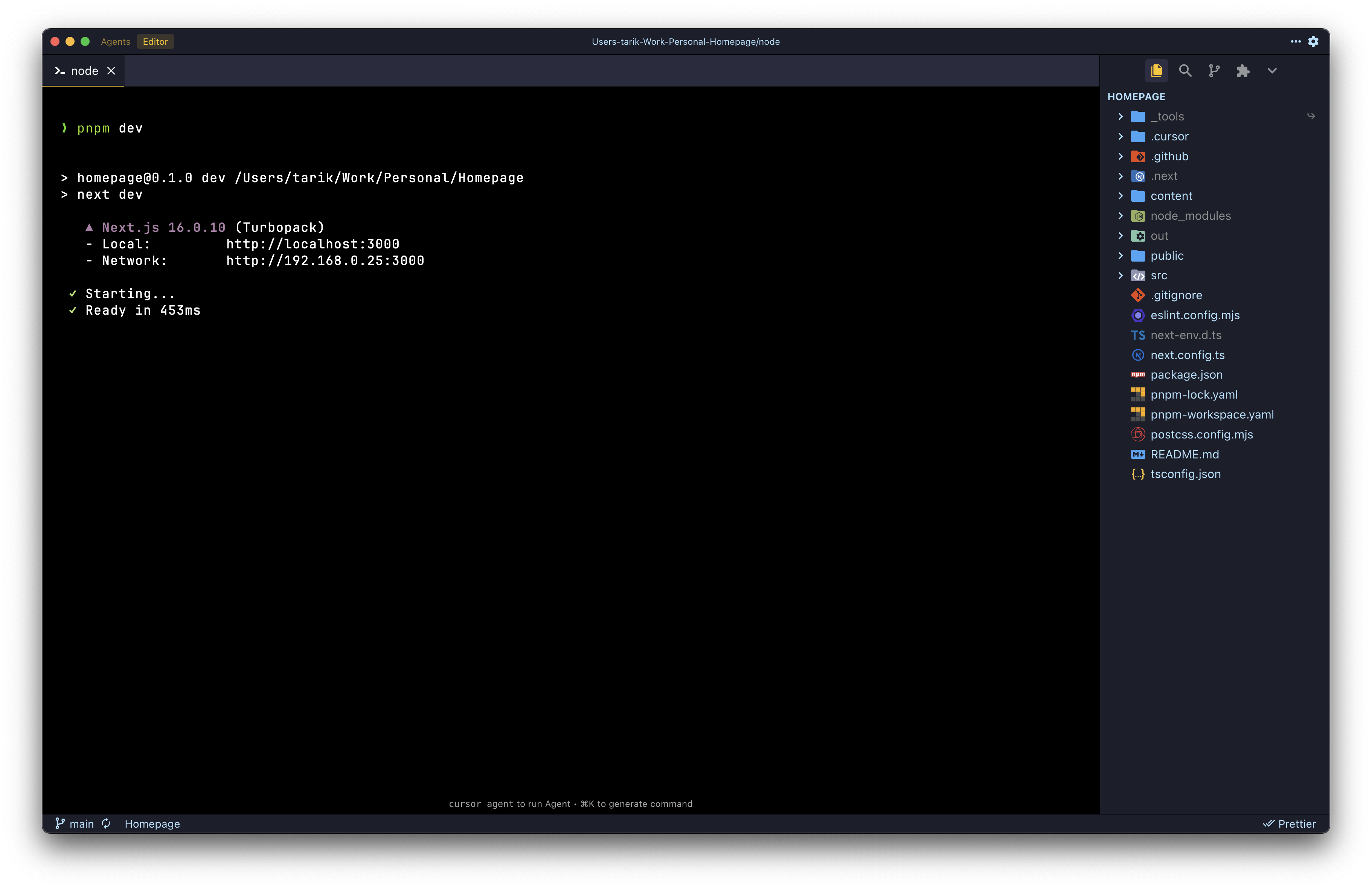
The integrated terminal uses colors that complement the editor, creating a seamless experience when switching between code and terminal output.
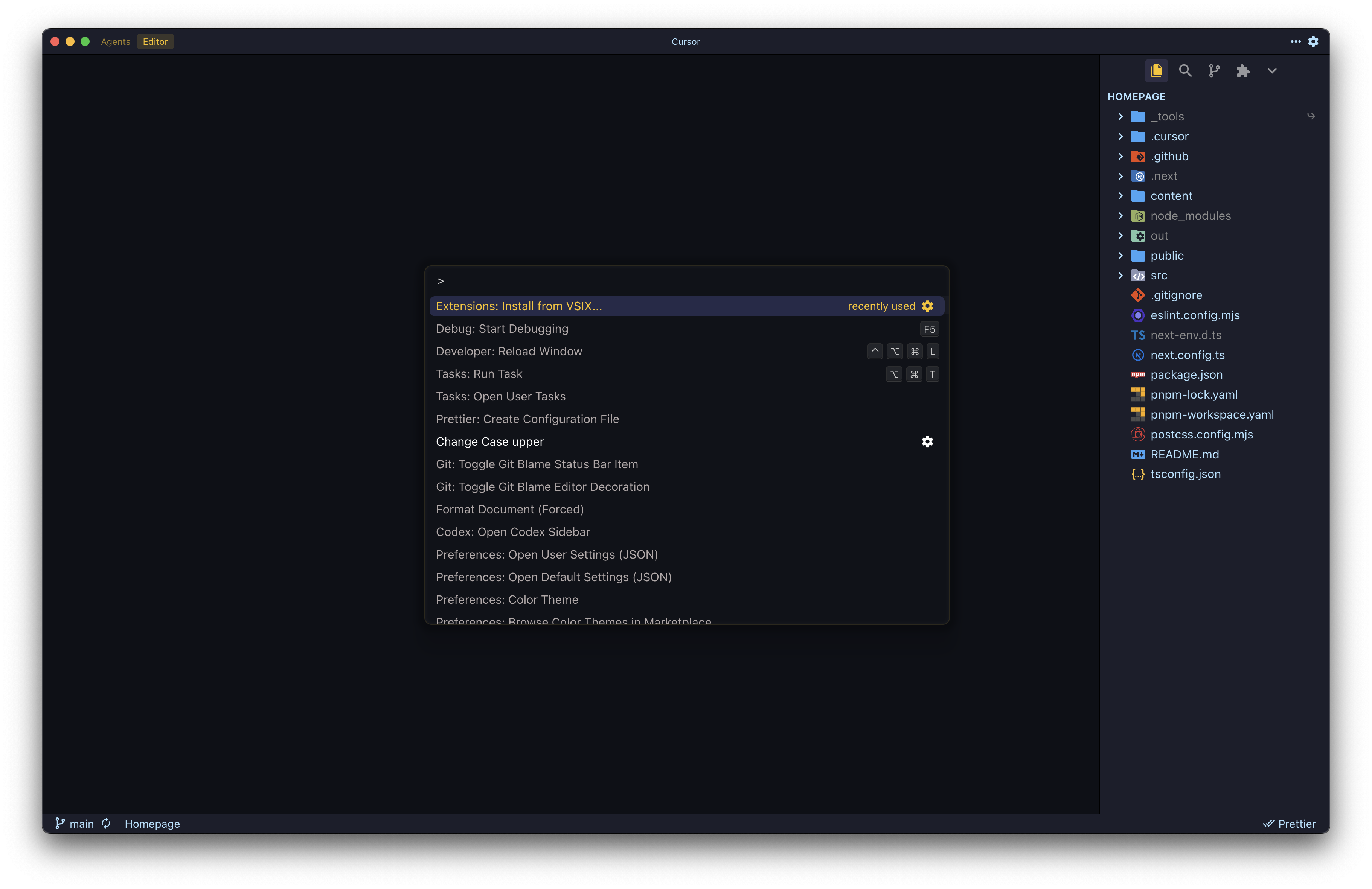
Even the command palette follows the theme, ensuring a consistent visual experience throughout VS Code.
Try It Yourself
If you're looking for a new theme or want to give your editor a fresh look, .K Material is available on:
Installation is straightforward: search for ".K Material" in the VS Code extensions marketplace.
Once installed, you can activate it by opening the command palette (Cmd+Shift+P / Ctrl+Shift+P), typing "Color Theme", and selecting ".K Material" from the list.
The theme works well with popular extensions and maintains readability across different screen sizes and resolutions. Whether you're coding on a laptop or a large external monitor, .K Material adapts to provide a comfortable viewing experience.